
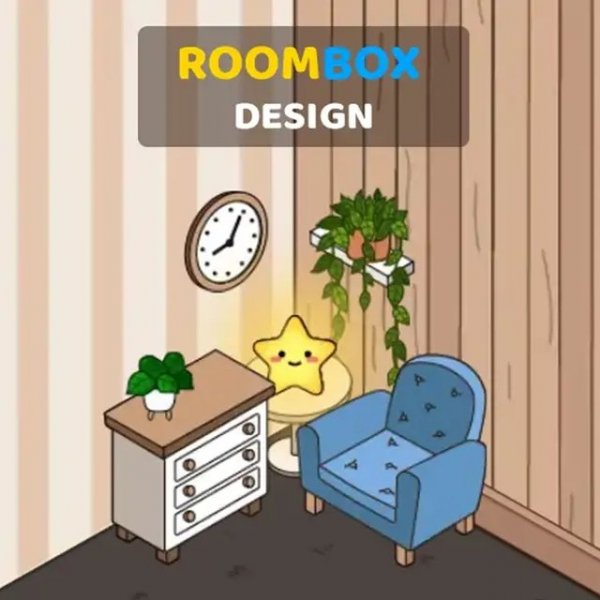
Roombox Design Online Game - Room Decoration Game
Reviews
About this game
Roombox Design Online Game lets you turn an empty room into a stylish space. You start with a blank canvas and a full menu of design options. Use icons to switch between sections like wallpaper, flooring, and windows. Click on the orange cube to access these elements. Then choose furniture from the cabinet section and place it anywhere in the room. Each item has buttons to rotate or remove it. Show your good taste and create a beautiful interior. This game is perfect for kids and adults who love design and decoration. It is safe, family-friendly, and easy to play on any device.
To play, look at the empty room in front of you. On the right is the menu. Use the icons at the top to switch sections. Their contents will open below. Drag the slider down to see all the options. Click on the orange cube indicating the room, and below you will open the blue buttons for sections with wallpaper, flooring, and windows. Click on the cabinet and a row of blue buttons for the sections of different furniture will appear below. Choose furniture and choose a place for it in the room. Next to which thing there will be buttons to turn or remove it. Show good taste and design a beautiful interior.
Creative room design. Easy controls that anyone can learn. Family-friendly fun for all ages. No time limits or pressure. Safe content with no inappropriate themes. Works on desktop, tablet, and phone.
This game offers a calm and creative experience. You can express your style without stress. It is a great way to relax and have fun.
Leave a Comment