What players say
Creative Sticker Art for Kids is a wonderful online game for young children. It provides a safe digital space where kids can arrange cute animal and flower stickers to create unique scenes. The simple drag-and-drop controls are perfect for small hands, and the ability to save artwork encourages repeated play. This game fosters creativity and fine motor skills without any messy supplies. Highly recommended for parents seeking a constructive, screen-based activity for their little ones.
About this game
Game Introduction
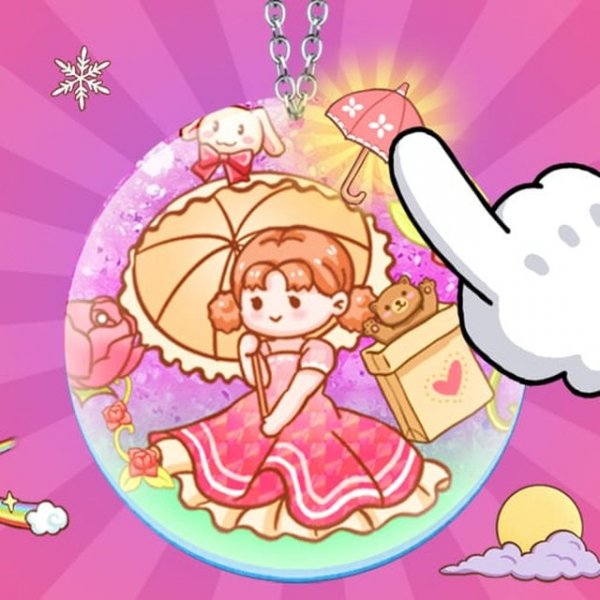
Creative Sticker Art for Kids is an online activity designed for young children, typically ages 3 and older. The main goal is to pick favorite stickers from a collection and place them on a clear background to create original pictures. This game stands out because it focuses on self-expression through sticker art, allowing children to arrange cute animals and flowers into personalized scenes. It offers a safe digital space for artistic exploration, where kids can experiment with colors and shapes without any mess. The simple interface encourages even the youngest players to enjoy making art, helping them build confidence in their creative choices.
How to Play
Players begin by looking through a library of stickers using simple mouse clicks or taps on touch screens. They choose a sticker, then drag and drop it onto the background to build their design. Stickers can be moved, layered, and repositioned to create beautiful scenes. Once the artwork is complete, players can save it to a personal collection. The controls are very easy to understand, with no complicated steps required, making it suitable for young children just learning to use a computer or tablet.
Game Features
The game includes a sticker library with a variety of cute animal and flower designs. It may feature multiple levels that unlock new stickers and surprises as players progress. The game supports full-screen mode and works on modern browsers across PCs, mobile phones, and tablets. Players can save their artwork to a personal collection, encouraging repeated play and creativity. The interface is designed to be colorful and inviting, with large buttons and clear icons that are easy for small hands to use.
Tips for Success
Encourage children to try different sticker placements and layering to create unique scenes. Taking time to browse the full sticker library before starting can inspire new ideas. Saving completed designs allows kids to revisit and build on their previous work, fostering a sense of accomplishment. Regular practice helps develop fine motor skills and creative confidence.